
Best Money Apps of 2026: Tools That Actually Move Your Finances Forward
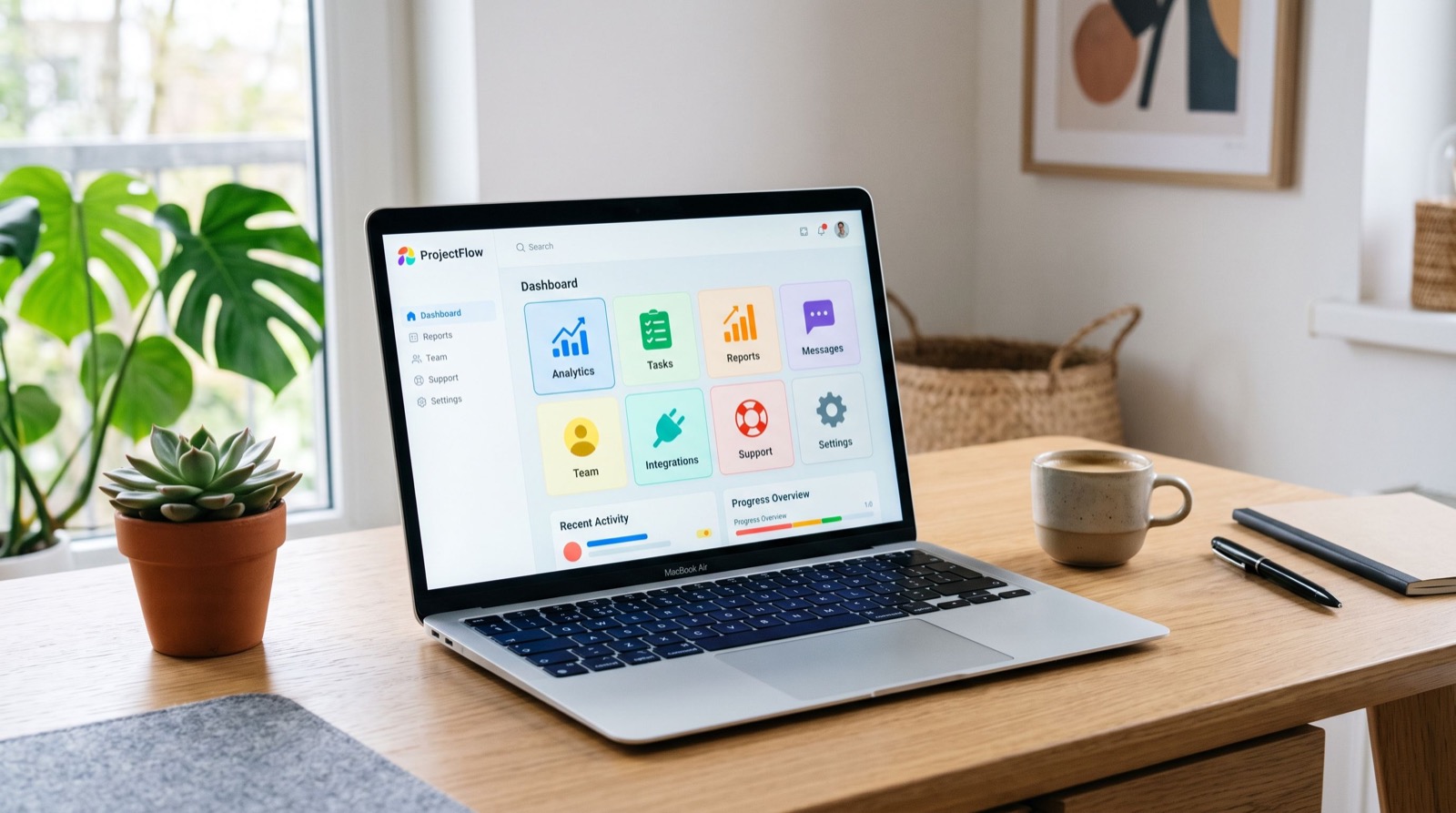
Managing money on paper feels ancient in 2026. Your phone already knows where your paycheck lands and where it leaks, so the smartest move is to put that data to work. The best money apps now handle budgeting, saving, investing, and bill tracking from a single screen.
But the app store is crowded, and not every download deserves a spot on your home screen. This guide breaks down the categories that matter, the features worth paying for, and how to build a small stack that works together instead of fighting for your attention.
Why Money Apps Beat Spreadsheets in 2026
Spreadsheets require you to show up. Money apps show up for you. They sync with your bank, categorize transactions automatically, and nudge you before a bill hits an empty account.
That automation matters because most overspending happens quietly. A few forgotten subscriptions and one impulse purchase add up faster than any monthly review can catch. An app flags the drift in real time.
According to the Consumer Financial Protection Bureau, consumers who track spending regularly report lower financial stress and fewer overdraft events. The tool does not have to be fancy. It has to be consistent, and phones are consistent by design.
The Five Categories of Money Apps Worth Knowing
Not every app does everything, and that is fine. Think in categories, then pick one strong option per category you actually need.
- Budgeting apps track income and spending so you know where each dollar goes.
- Saving and round-up apps move small amounts aside automatically.
- Peer-to-peer payment apps handle splitting bills and sending cash instantly.
- Investing apps let you buy fractional shares and set up recurring contributions.
- Cashback and rewards apps return a slice of what you already spend.
Layering one app from two or three of these categories usually covers a normal household. Any more than that and you risk app fatigue, where you stop opening them entirely.
How Many Money Apps Do You Really Need?
Two to three is the sweet spot for most people. One budgeting hub, one savings automation tool, and one payment app cover daily life without overwhelming you. Add an investing app only once your emergency fund is solid.
Comparing Popular Money App Types
Here is a quick reference showing what each category delivers and who benefits most. Use it to spot the gaps in your current setup.
| App Type | Core Benefit | Typical Cost | Best For |
|---|---|---|---|
| Budgeting | See spending by category | Free to $15/mo | People who overspend quietly |
| Round-up savings | Automatic micro-deposits | Free to $5/mo | Reluctant savers |
| Peer-to-peer payments | Instant transfers | Free (fees on cards) | Splitting bills, quick cash |
| Investing | Fractional shares | Free to $10/mo | Long-term wealth building |
| Cashback | Rewards on spending | Free | Regular shoppers |
Features That Separate Great Apps From Clutter
Once you know your category, judge each app on a short list of practical features. Flashy design fades fast, but these fundamentals keep an app useful for years.
- Real bank sync. Manual entry dies within a week. Automatic syncing keeps you honest.
- Clear alerts. Low-balance and bill reminders prevent the fees that quietly drain accounts.
- Strong security. Look for encryption, two-factor login, and biometric access.
- Transparent pricing. Free tiers are great, but read what the paid tier unlocks before you commit.
- Export options. Your data should follow you if you switch apps.
When I test a new tool, I give it two weeks of real use before deciding. If I have not opened it by day ten on my own, it goes. An app you ignore is worse than no app because it creates false confidence.
A Practical Tip: Automate the Boring Parts First
The biggest wins come from automation, not willpower. Set up an automatic transfer to savings the day after payday, before you can spend it. Even $25 a paycheck builds a meaningful cushion over a year without any monthly decision-making.
Pair that with a round-up feature and you are saving on two tracks at once. This quiet, hands-off approach is exactly what our team recommends to every reader who feels stretched thin.
Building a Money App Stack That Works Together
The goal is a system, not a pile of downloads. Start with a budgeting app as your dashboard, since it gives you the full picture. Connect your primary checking and credit accounts so nothing hides.
Next, add a savings automation tool tied to a separate high-yield account. Keeping savings out of your main app reduces the temptation to raid it. Finally, keep one payment app for splitting costs and one cashback app for everyday purchases.
If you want deeper reviews and hands-on rankings, our roundup of the best money apps walks through specific tools and their trade-offs. For local money guidance, many readers also turn to an experienced local team for tailored advice.
Frequently Asked Questions
Are money apps safe to link to my bank account?
Reputable money apps use bank-level encryption and read-only connections through trusted aggregators. Always enable two-factor authentication, avoid public Wi-Fi when logging in, and choose apps with clear, published privacy policies.
Do the best money apps cost money?
Many excellent apps are free, funded by optional premium tiers or interchange fees. Paid tiers usually add features like custom categories or investment tracking. Start free, then upgrade only if a specific feature saves you more than it costs.
Can one app replace my budget, savings, and payments?
A few all-in-one apps try, but most people get better results from two or three focused tools. A dedicated budgeting app plus a savings automation tool usually outperforms a single jack-of-all-trades in real daily use.
How long until money apps show results?
Expect useful insight within one full billing cycle, roughly 30 days. That is enough time to see spending patterns, catch forgotten subscriptions, and build your first automated savings habit. Consistency over the first month matters most.
Common Mistakes That Waste a Good App
Even the right app fails when you use it wrong. The most frequent mistake is downloading a tool and never finishing setup, so it never sees your real spending. An app with half your accounts linked gives you half a picture and false confidence.
Another trap is chasing features you will never use. A robust investing dashboard is useless if your goal is simply to stop overspending on takeout. Match the app to the job, not to the longest feature list.
Finally, people abandon apps the moment a category miscategorizes. Give it a week of small corrections and most apps learn your patterns. A little patience early on pays off with months of accurate, hands-off tracking afterward.
The Bottom Line
The best money apps of 2026 are not the ones with the most features. They are the ones you actually open. Pick one strong tool per category you need, automate the boring transfers, and let the software do the daily watching.
Start small this week. Link one budgeting app, set one automatic transfer, and check back in 30 days. Your future self will thank you for the quiet system that saved money while you slept.